
RunGap with ChatGPT or Claude: AI training insights
Already use RunGap? Athmex gives ChatGPT or Claude the goals, PBs, races and real-life constraints behind your training, so its plans, workouts and race advice fit you. Create your free Athmex account to see your RunGap connection options.
You. Your fitness. Your activity data. Together in Claude and ChatGPT.
Can you connect RunGap to ChatGPT or Claude?
ChatGPT or Claude can turn your RunGap workout history into more personalised coaching when it also knows your goals, fitness, PBs and races, which Athmex keeps ready in every conversation. Create your free Athmex account and we'll show you the available options for using your RunGap training in ChatGPT or Claude alongside your profile.
RunGap shows what happened. Athmex explains what you're training for.
Your training platform shows what you've done. Athmex gives ChatGPT or Claude the goals, fitness, races and real-life constraints behind it, helping your AI coach create better training plans, workouts and race advice.
RunGap records
- Workouts from many services
- Activity history, charts and maps
- Heart rate, cadence, power and elevation
- Gear mileage
- FIT, TCX and GPX export
Athmex adds
- Your next race and why it matters
- Current PBs, with dates
- Thresholds you trust
- Weekly availability
- Injuries and constraints
You. Your fitness. Your activity data. Together in Claude and ChatGPT.
RunGap moves activity between ecosystems
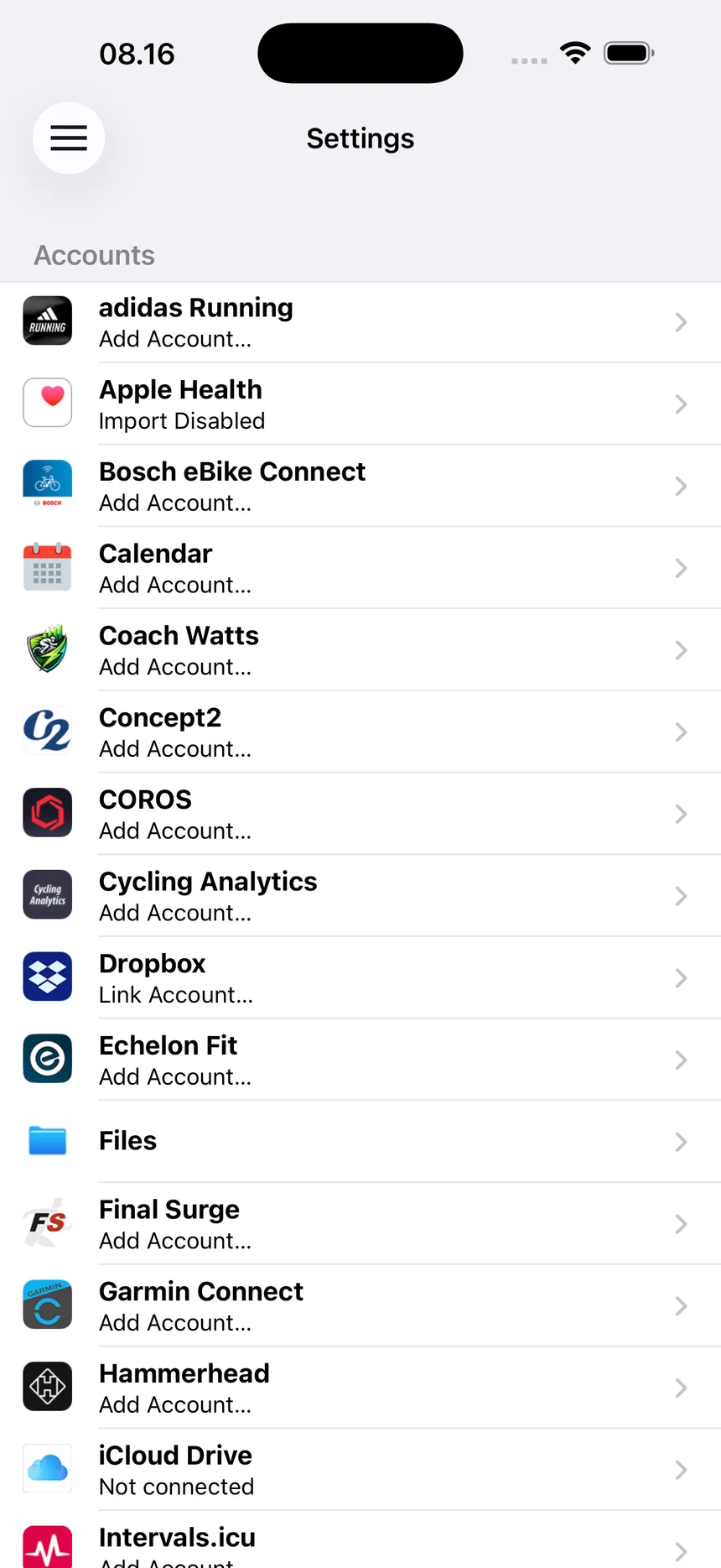
Many athletes have training scattered across accounts: old runs in one app, watch data in Garmin Connect or Apple Health, rides in Strava, erg sessions in the Concept2 Logbook. RunGap connects those services, imports your history and sends workouts where you want them, with FIT, TCX and GPX export when you need a file.
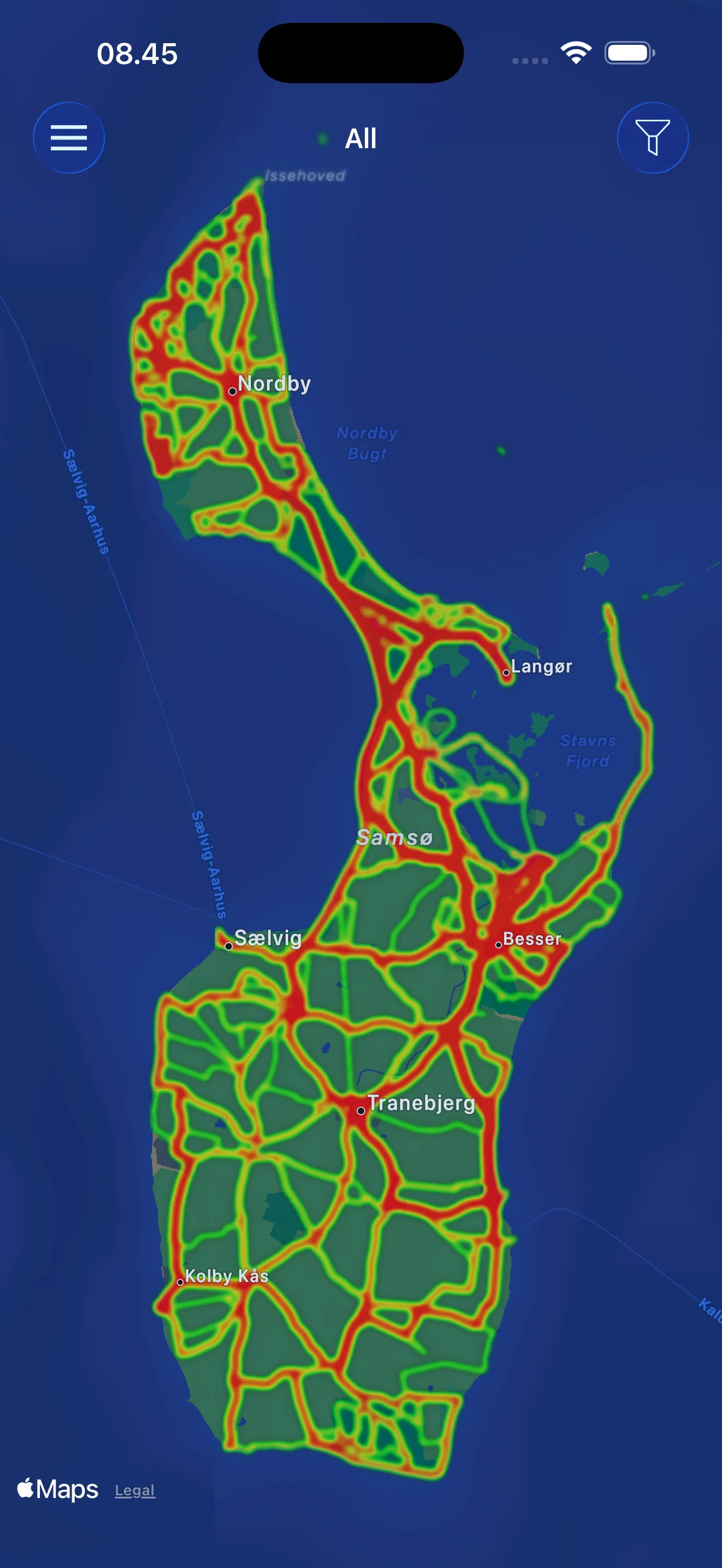
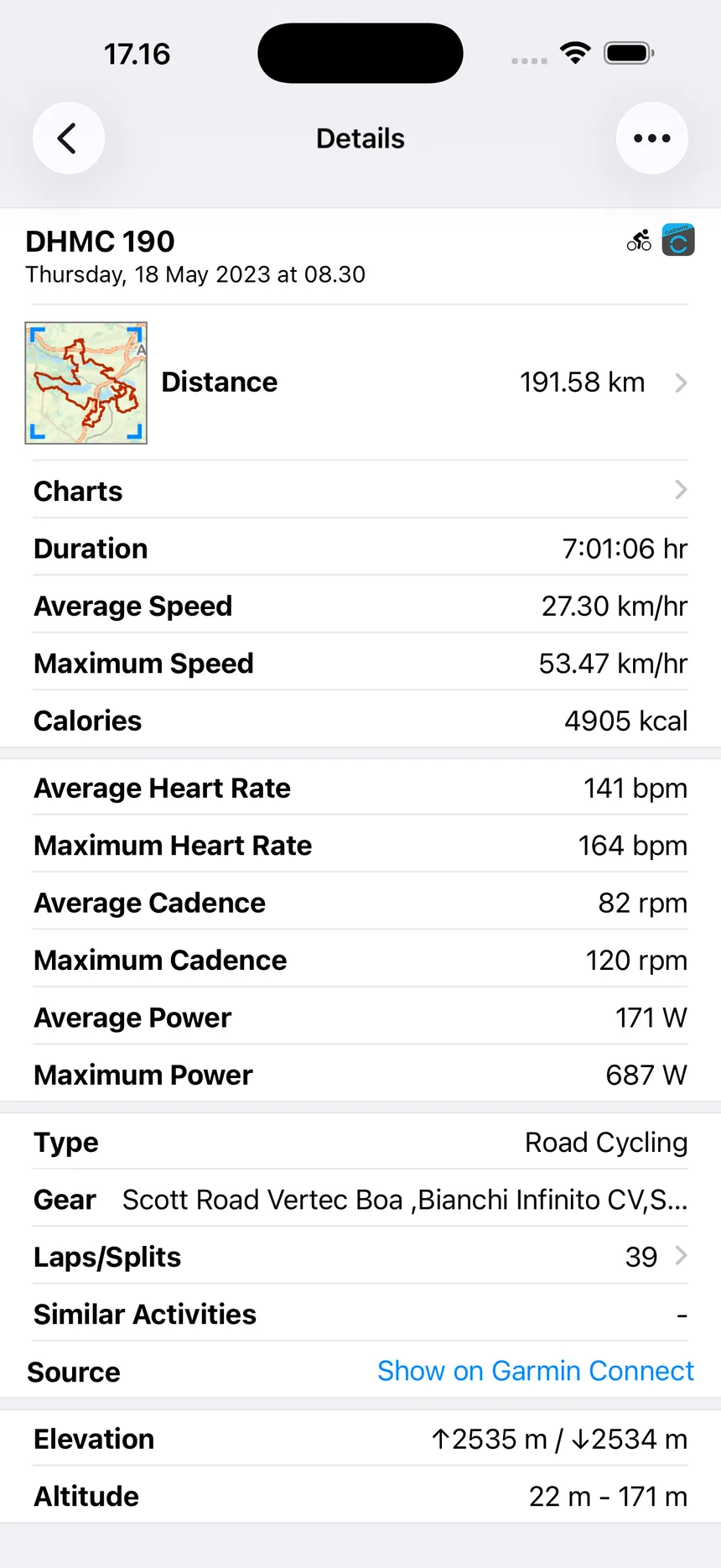
It also keeps a useful view of the whole archive: activity lists, detailed stats and charts, maps and gear tracking for shoes and bikes.
Moving activity is half the job
Getting your workouts into the right place means an assistant can see what you did. It still can't see why. A decade of runs doesn't say which race is next, which PB is current, or that your Achilles doesn't like back-to-back hard days.
That's the part Athmex holds: durable athlete context, kept current and ready for ChatGPT or Claude. RunGap makes sure the training history is where it needs to be. Together, the assistant can reason about both.
Long histories and old PBs
An archive going back years is useful context, and it's easy for an assistant to confuse an old best with current form. Keep current PBs in Athmex with the date you set them.
What ChatGPT or Claude can do with RunGap
- Review a season across apps
- Look at training from several platforms in one place against this year's goal.
- Current fitness versus old bests
- Separate what you can run now from what you ran years ago.
- Shoe and bike mileage
- Plan equipment around the race using RunGap's gear tracking.
- Plan the next block
- Use recent history and your availability to shape what comes next.
Questions RunGap athletes ask about ChatGPT and Claude
Can ChatGPT use workouts synced by RunGap?
Yes, when the workout details are in the conversation. Athmex adds the goals and races they belong to.
Can RunGap help get my training into Claude?
RunGap helps move activity records between training services. Athmex supplies your races, PBs and constraints to Claude. Create your free Athmex account and we'll show you the available connection options for RunGap with Claude.
Do I need RunGap and Athmex?
They do different jobs. RunGap moves activity records between services; Athmex keeps your goals, PBs, thresholds and constraints ready for your assistant.
Give ChatGPT or Claude the training RunGap gathers, and the context around it.
- 1
Create your free account
It takes a couple of minutes.
- 2
Build your athlete profile
Add your goals, races, PBs, thresholds, availability and constraints.
- 3
Connect Athmex to ChatGPT or Claude
One connection, and your assistant has your profile in every conversation.
- 4
See your RunGap connection options
Your Athmex account shows the available connection options for RunGap with ChatGPT or Claude.
You. Your fitness. Your activity data. Together in Claude and ChatGPT.