
Apple Watch with ChatGPT or Claude: smarter AI coaching
Already use Apple Watch? Athmex gives ChatGPT or Claude the goals, PBs, races and real-life constraints behind your training, so its plans, workouts and race advice fit you. Create your free Athmex account to see your Apple Watch connection options.
You. Your fitness. Your activity data. Together in Claude and ChatGPT.
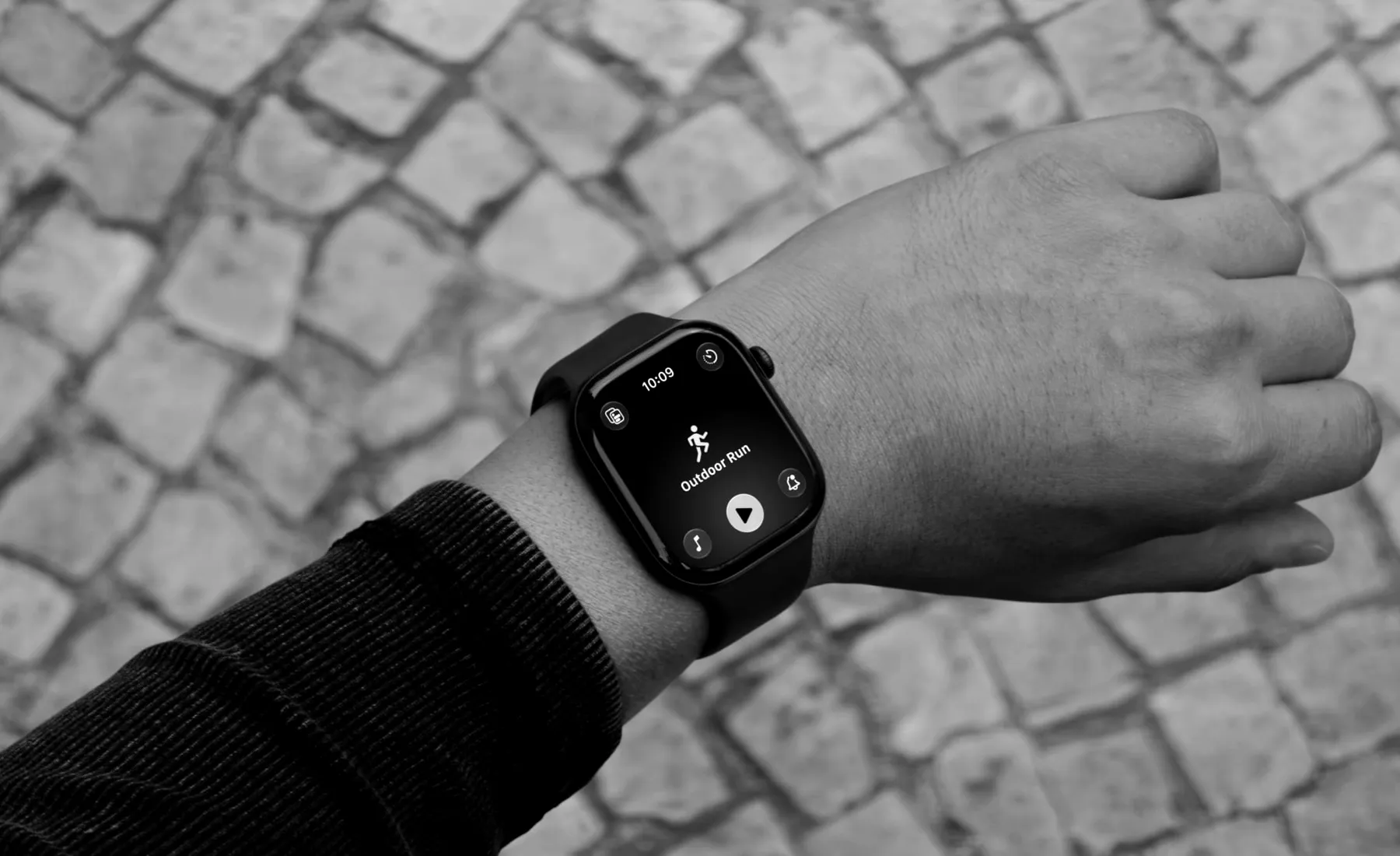
Can you connect Apple Watch to ChatGPT or Claude?
ChatGPT or Claude can turn your Apple Watch workouts and Training Load into more personalised coaching when it also knows your goals, fitness, PBs and races, which Athmex keeps ready in every conversation. Create your free Athmex account and we'll show you the available options for using your Apple Watch training in ChatGPT or Claude alongside your profile.
Apple Watch shows what happened. Athmex explains what you're training for.
Your training platform shows what you've done. Athmex gives ChatGPT or Claude the goals, fitness, races and real-life constraints behind it, helping your AI coach create better training plans, workouts and race advice.
Apple Watch records
- Workouts from the Workout app
- Heart Rate Zones and effort ratings
- Training Load
- Sleep, Vitals and cardio fitness
- Running power, cadence and stride length
Athmex adds
- Your race and its date
- The paces and PBs you trust
- Threshold pace and heart rate
- The mornings you actually have
- Injuries and recurring niggles
- What this block is for
You. Your fitness. Your activity data. Together in Claude and ChatGPT.
What your Apple Watch records
Apple Watch athletes record in the Workout app and review in the Fitness app, with everything landing in Apple Health on the iPhone. Each workout carries heart rate, Heart Rate Zones, pace, distance and route, and the effort rating you give it afterwards feeds Training Load, which compares the last week with the last month.
Runners on an Apple Watch or Apple Watch Ultra also see running power, cadence, stride length, vertical oscillation and ground contact time. Cyclists see speed, cadence and power from connected sensors. Custom Workouts let you build intervals on the watch.
Overnight, the watch tracks sleep and the Vitals app checks heart rate, respiratory rate, wrist temperature and blood oxygen against your usual range. Cardio fitness estimates VO2 max over time.
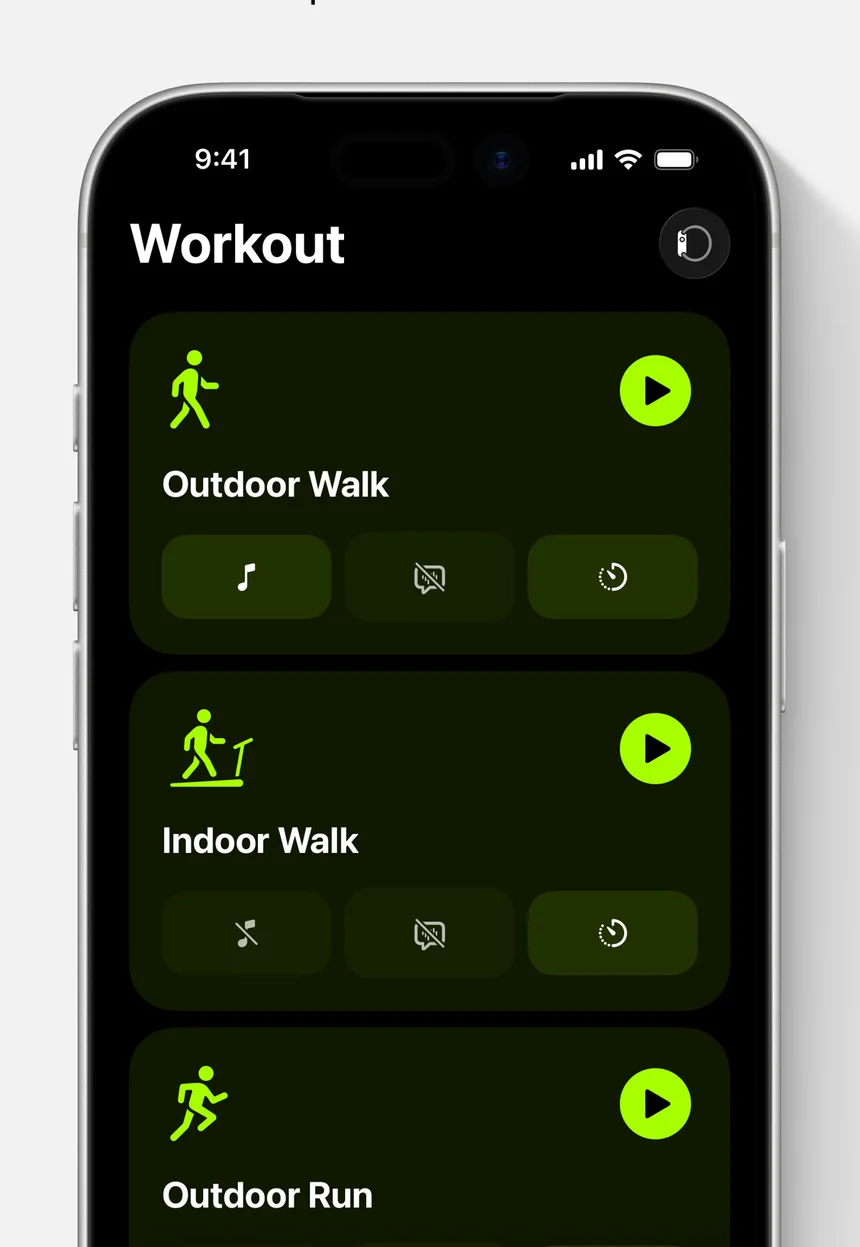
Apple Watch for runners
The running metrics are genuinely useful to an AI coach. Ground contact time and vertical oscillation trends can show fatigue late in a long run. Running power helps on hills where pace misleads. Heart Rate Zones show whether easy runs stayed easy.
Those numbers need a frame. The assistant should know your race, your current 10K or half-marathon time, your threshold pace and how many days you run. With that in Athmex, a run becomes something it can judge rather than simply describe.
Training Load and effort ratings
Training Load uses your effort ratings to show whether the last seven days are above or below your 28-day average. It's a good early warning, and it doesn't know whether a spike is deliberate.
A big jump in load during a planned build week is the plan working. The same jump when you're returning from injury is a risk. Keep your injury history and current block in Athmex, and ChatGPT or Claude can tell the two apart.
Sleep, Vitals and recovery
A night where Vitals flags something out of range, or where sleep is short, raises a training question: what should today be? The answer depends on the session, the race date and how the week has gone.
An assistant can help you think it through, and it isn't a doctor. If Vitals shows readings you're worried about, check with a professional.
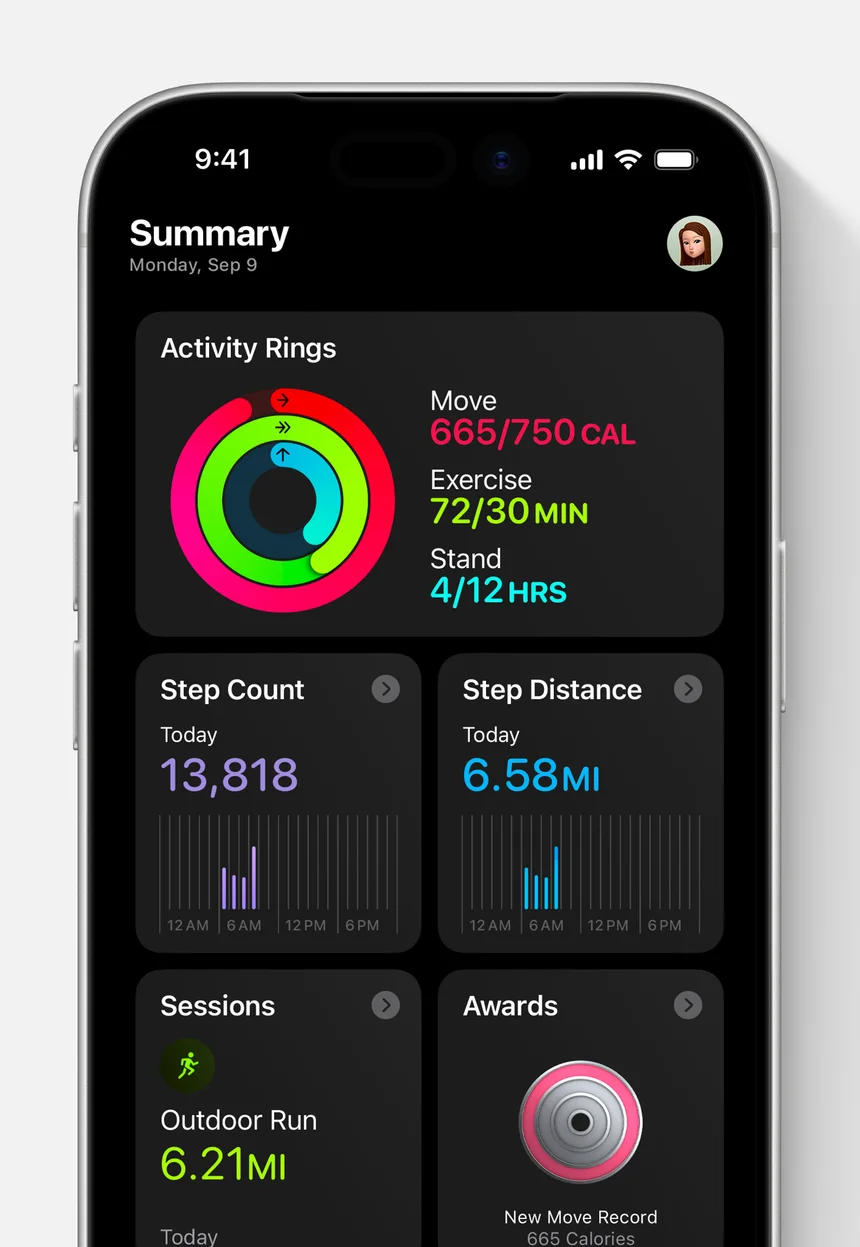
Cycling, swimming and structured workouts
Cyclists record rides with speed, cadence and power from Bluetooth sensors. Swimmers log pool lengths by stroke and open-water distance. Custom Workouts let you build intervals with warm-ups, work and recovery blocks, and the watch guides you through them.
For an AI coach, structured workouts are the most useful. A set of 6 x 800 m with target paces can be checked against what happened, rep by rep, when the assistant knows your threshold and the race the session serves.
From an Apple Watch number to a coaching decision
A few examples of how athlete context changes the answer:
Cardio fitness is rising
Good news, and a question: does it change your goal time? The assistant can compare it with the PBs you trust.
Heart Rate Zones on an easy run creep into zone 3
Heat, fatigue or simply running too fast. With your threshold and recent training in Athmex, the assistant can say which is likely.
Training Load is well above your average
Fine in a planned build week, risky after time off. Your Athmex profile tells the assistant which week this is.
Your Apple Watch versus your actual goal
Apple's activity rings and awards reward consistency. A race goal asks for something more specific: the right sessions, in the right order, with recovery where it matters. That's the conversation ChatGPT or Claude can have with you once it knows the goal.
How ChatGPT or Claude could help with your Apple Watch training
- Training Load is climbing
- Ask whether this week's load fits the half marathon in your Athmex profile, or needs to come down.
- A poor night before a key session
- Sleep was short and Vitals flagged something. Talk through what today's session should become.
- Running form late in long runs
- Discuss ground contact time and cadence trends alongside your recent training and injury history.
- Mixed training in one week
- Balance runs, rides and strength workouts around the days you actually have.
Questions Apple Watch athletes ask about ChatGPT and Claude
Can ChatGPT read my Apple Watch data?
Yes, when you share the figures that matter, such as heart rate, Training Load or Vitals. Athmex adds the goals and context Apple Health doesn't hold.
Can Claude use my Apple Watch workouts?
Yes, when it has the workout details. Share sleep or Vitals too when they matter. Athmex adds your goals, PBs and races so the feedback reflects what you're training for.
Can AI use Apple Watch Training Load?
It can reason about it when it's shared. Your race and injury history, kept in Athmex, decide whether a high-load week is good or risky.
Can ChatGPT use running power from an Apple Watch Ultra?
Yes, when you share the readings. Keep the paces you train to in Athmex so the assistant has the right reference.
Does Athmex import Apple Health data?
No. Athmex holds the athlete context you enter and supplies it to ChatGPT or Claude alongside whatever route brings your training in.
Give ChatGPT or Claude your Apple Watch training, and what it's building towards.
- 1
Create your free account
It takes a couple of minutes.
- 2
Build your athlete profile
Add your goals, races, PBs, thresholds, availability and constraints.
- 3
Connect Athmex to ChatGPT or Claude
One connection, and your assistant has your profile in every conversation.
- 4
See your Apple Watch connection options
Your Athmex account shows the available connection options for Apple Watch with ChatGPT or Claude.
You. Your fitness. Your activity data. Together in Claude and ChatGPT.